
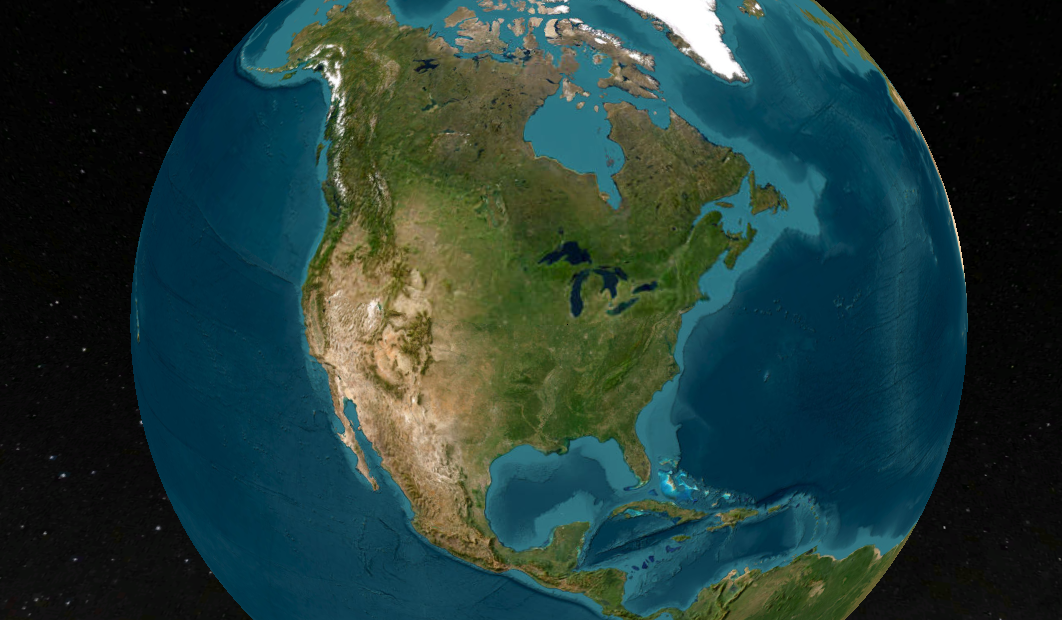
ArcGIS Earth Actually Isn't That Bad!
When I first explored ArcGIS Earth, I wasn’t expecting much—it’s a free tool from Esri that looks like a Google Earth clone. But after using it for a while, I’ve come to appreciate its unique capabilities, even if it’s not perfect. ArcGIS Earth is surprisingly good at allowing users to quickly visualize and interact with spatial data in 2D and 3D. It supports a variety of formats, including KML, shapefiles, and imagery, making it versatile for simple GIS viewing needs.
Geospatial > The Layer File > ArcGIS Earth Actually Isn’t That Bad
When it comes to free GIS applications, expectations should be modest—but ArcGIS Earth is trying to defy the norm. Despite its somewhat modest reputation and certain rendering limitations, this tool offers a surprisingly robust experience for visualizing and interacting with geospatial data in 2D and 3D. Designed for both desktop and mobile environments, ArcGIS Earth provides intuitive capabilities for viewing most GIS files, conducting quick analyses, and navigating large datasets, all on a global scale.
This past ILGISA conference I gave a presentation called. “The Best GIS Viewer You're Probably Not Using” all about ArcGIS Earth. The presentation is here, but the best way to experience it is to just dive in.
ArcGIS Earth supports a wide range of formats, from shapefiles to KML/KMZ, GPX, and even OGC web services, allowing users to work with various data types seamlessly. Its 3D-first design also enables interactive analysis tools like line-of-sight views and elevation profiles, making it easier to plan and collaborate across teams, especially in infrastructure or environmental projects. You can customize the experience further to fit organizational workflows, enhancing usability and reducing the steep learning curve often associated with GIS software.
Customization
One of its standout capabilities is the ability to configure the application using custom configuration files. This feature allows administrators to tailor user experiences by adjusting default settings, defining data sources, and controlling functionality based on organizational needs. These customizations ensure a consistent environment across teams, aligning ArcGIS Earth with specific project or enterprise requirements. A configuration file can be saved on a shared drive or even online.


Another useful feature is the option to save and share workspaces. Users can preserve their current map views, layers, and data configurations as workspaces, enabling easy retrieval and continuation of projects. This functionality streamlines collaboration by allowing users to share complex setups with colleagues, ensuring consistent visualization and analysis across teams. Together, these tools make ArcGIS Earth more flexible and user-friendly, accommodating both individual customization and team-based workflows
Summary
Despite some challenges with performance, particularly in rendering complex 3D datasets or point clouds, the platform excels in simplicity and accessibility. Its integration with ArcGIS Online and Enterprise allows you to share maps, sync data, and perform edits collaboratively across devices—whether you're in the office or out in the field. For many, ArcGIS Earth serves as a valuable entry point into advanced GIS tools or a convenient option for lightweight tasks that don't require the full power of ArcGIS Pro.
NOTE: Version 2.3 is slated for release in December of 2024 and should have a good set of upgrades (including performance updates and Survey123 integration)
Overall, ArcGIS Earth is more than just a free viewer; it's a practical, surprisingly capable solution for organizations looking to add a dynamic data and a 3D perspective to their workflows.

ILGISA 2024 Recap
The ILGISA 2024 Conference presented a comprehensive slate of sessions, workshops, and panels aimed at advancing GIS practices, tools, and knowledge-sharing for professionals across sectors. A significant theme was the usage of Esri software to address real-world challenges in local government, environmental management, utilities, transportation, and infrastructure.
Geospatial > The Layer File > ILGISA 2024 Recap

Last week, the entire MSGS staff attended the 2024, Illinois GIS Association annual conference in East Peoria. Attending the ILGISA Annual Conference as a full team provides MSGS with an excellent opportunity for professional growth, networking, and skill enhancement within the Illinois geospatial community. A few days before, we banded together to cover as many of the sessions as we could, some of interest and some to align with projects. Through sessions that cover GIS applications in transportation, utilities, and environmental projects, the team can acquire valuable insights directly applicable to MSGS’s focus areas. See the full agenda Here

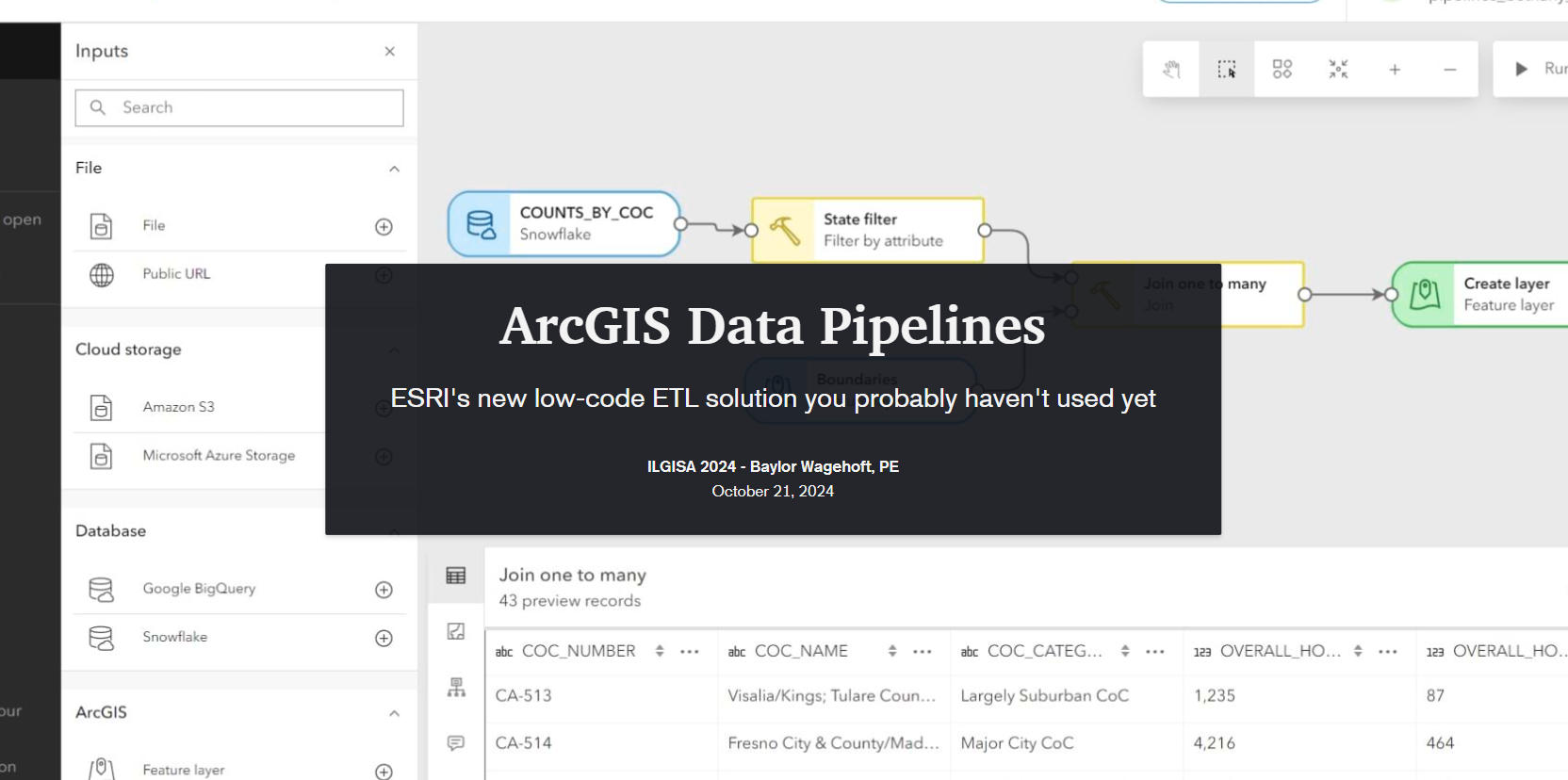
The conference presented a comprehensive slate of sessions, workshops, and panels aimed at advancing GIS practices, tools, and knowledge-sharing for professionals across sectors. As per the norm a significant theme was the usage of how er all use Esri software to address real-world challenges. Some of the most attended sessions were presented by Esri staff themselves, Nate and Anna did great. Some favorite sessions showcased automation and data management within Esri’s platform, covering tools like Microsoft Power Automate & Make.com to streamline repetitive tasks, saving time and reducing error. These sessions highlighted how GIS can enhance community engagement by making spatial data more accessible to the public. Several of our Illinois local government friends showed off very practical examples showed how others could automate data updates and integrate Esri software with enterprise databases using Arcade to keep geospatial information up-to-date across departments. Baylor and Micah both gave presentations on ArcGIS Data Pipelines and ArcGIS Earth respectively. Both were well received even though by Tuesday, Baylor had completely lost his voice. Glad that all the rooms were equipped with microphones.
Not to be one-sided, the open-source sessions underscored the importance of self-sufficiency and scalability in GIS, offering practical takeaways for using these tools to solve real problems. There were several great sessions showcasing FOSS4G-only enterprise GIS deployments. As more organizations turn to open-source GIS, it was great to see the ILGISA community fostering an environment for learning, collaboration, and exploration, empowering professionals with the skills and networks needed to effectively implement open-source solutions.

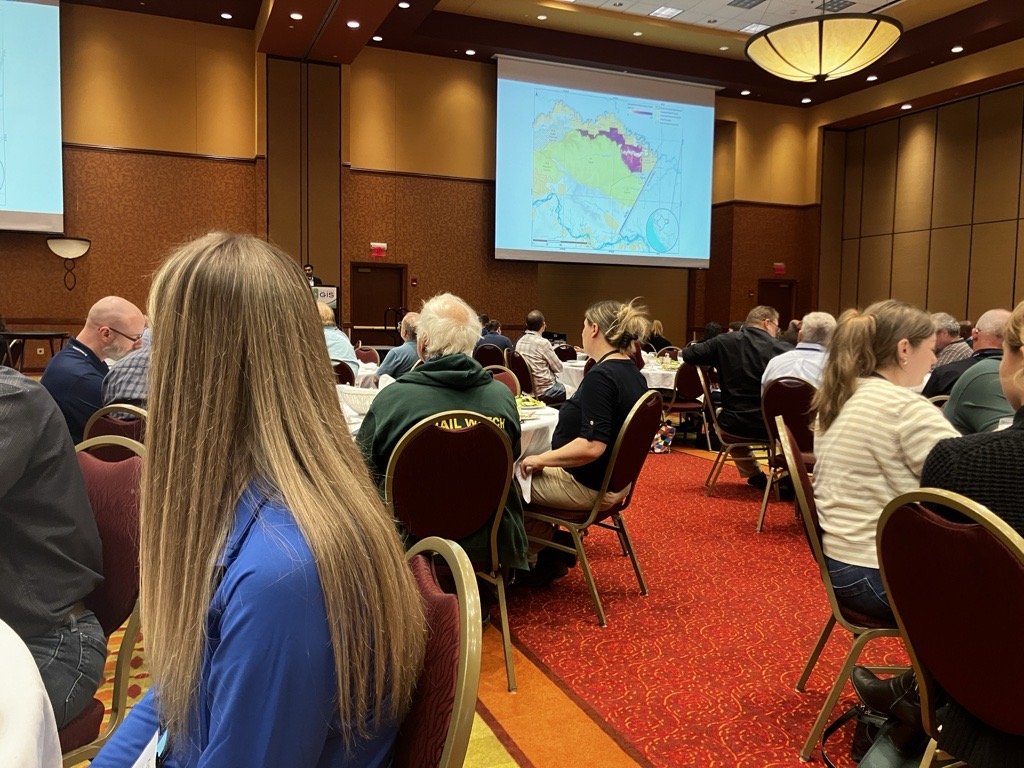

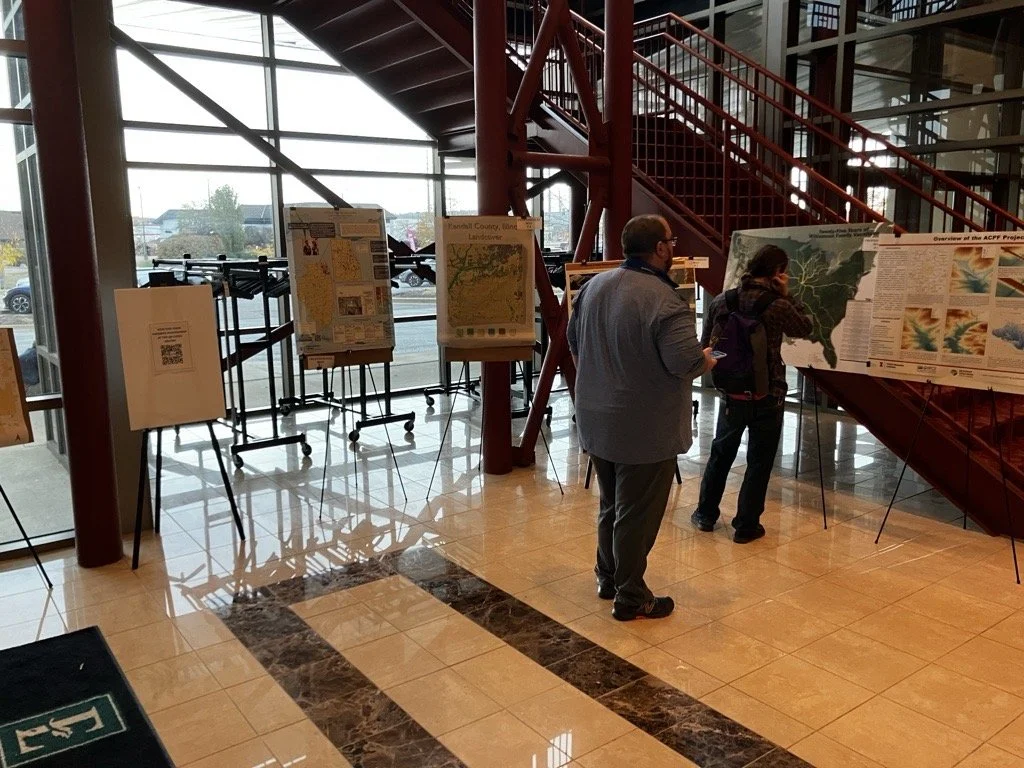



As an organization, I’m proud to say ILGISA is strong and financially responsible. It is great to see some statewide initiatives gaining traction like the low distortion county projections and even talk (not much else) of a statewide parcel fabric. Chad Sperry received the well deserved Hilton Distinguished Collaboration award and we even gave out the Dahlberg Acheivement award to Cindy Barbra-Brelle for her amazing work on the E911 project.
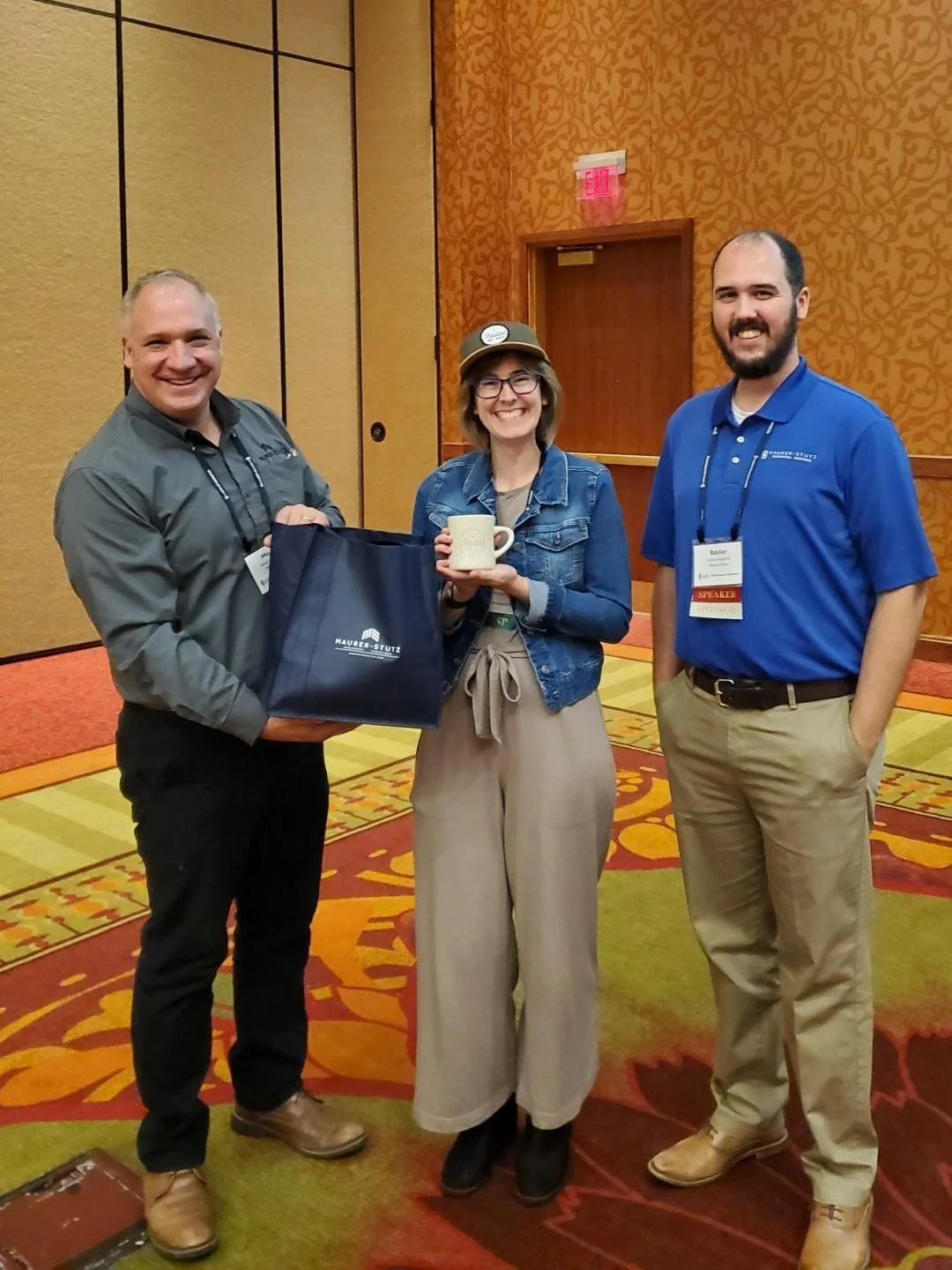
Of course, the social aspect of ILGISA can not be overstated. We enjoyed giving away some MSGS Swag and introducing Ethan and Katie to anyone we could in the Illinois GIS community. Big thanks to our friends from across the river for sponsoring a great social night at Uncle Bucks Bowling. In addition, networking events (just hanging out) facilitated connections between practitioners, enabling them to share their own implementations, discussing common challenges, and explore emerging geospatial technologies together. Through sessions and informal networking, ILGISA 2024 attendees left with valuable insights into how to enhance efficiency, improve data accuracy, and implement innovative solutions within our GIS Industry.